 TakeJam
CueJolt
12 acting scenes
Give a scene your best. Then send a surprise twist and see where the performance goes.
Practice a routine. Land your hook. Change the scene. TakeJam puts your text and photo cues, camera and finished clips in one place.
Free download planned. Studio is an optional annual subscription, billed yearly and renewed automatically. No trial offer is included.
See free and StudioExample Creator cue board
Rehearse the 24 bundled templates for free. TakeJam Studio adds recording and your own saved cue boards, with one recording and review flow across all four modes.
12 acting scenes
Give a scene your best. Then send a surprise twist and see where the performance goes.
6 practice boards
Count in, run your sequence and review the take. Keep your cues in view as you practice.
6 creator templates
Give your hook, demonstration or performance a clear sequence to follow.
Studio · Text, photos or both
Build your own board or make a template yours. Save, edit and reorder the cues for your next take.
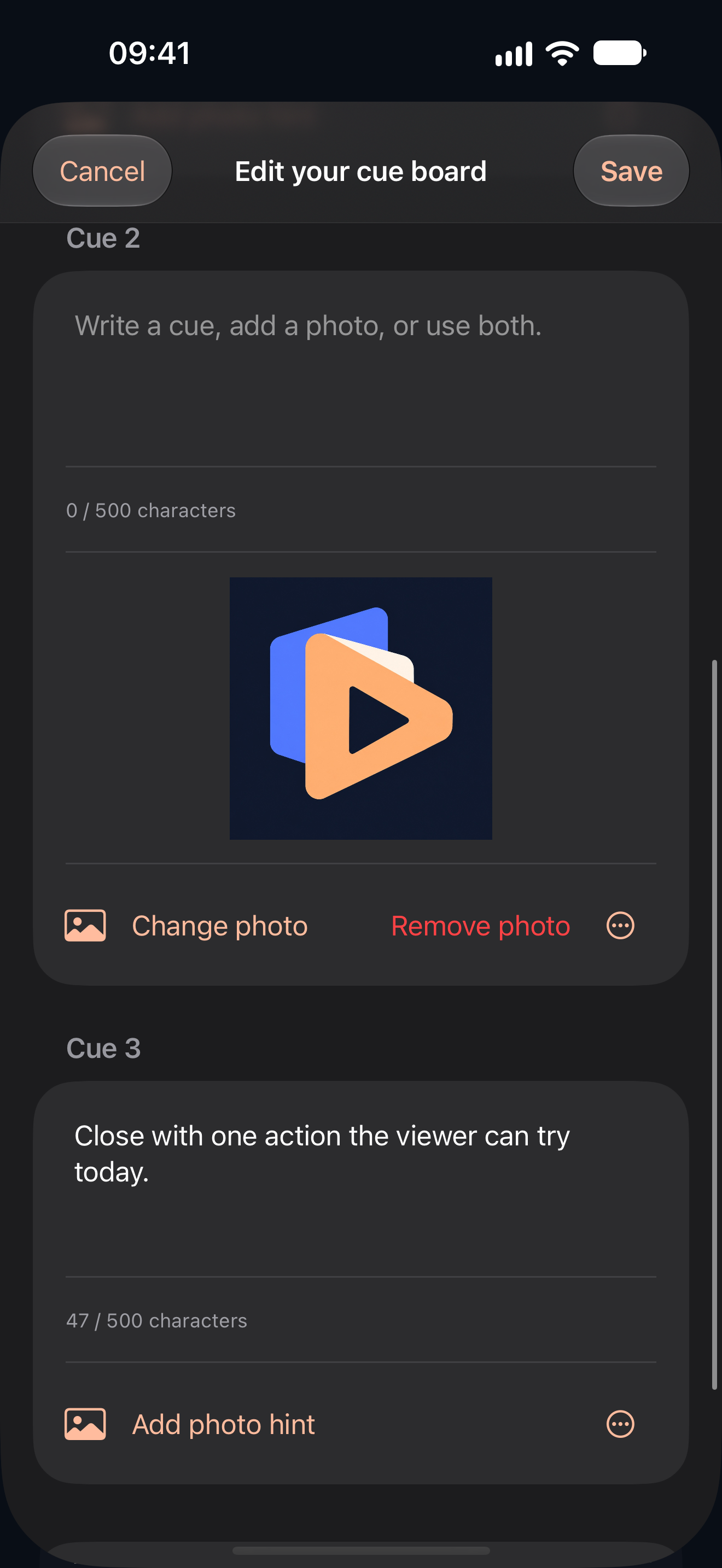
Copy a starter template into your own editable board, or begin with a blank one. Give each cue text, a photo hint or both. Photo-only cues work, too.
Add photos you choose through the system Photos picker. Small local copies stay with your saved board; the originals stay unchanged.
Add, move or remove cues, then edit the same board next time. Choose Creator, Dance or Acting behavior. Custom Dance boards keep the visual count and BPM controls.
Use the cue card or full-screen Performer view on your iPhone. Photos guide the performance; exported MP4 cue overlays contain written text only, without the hint photos.
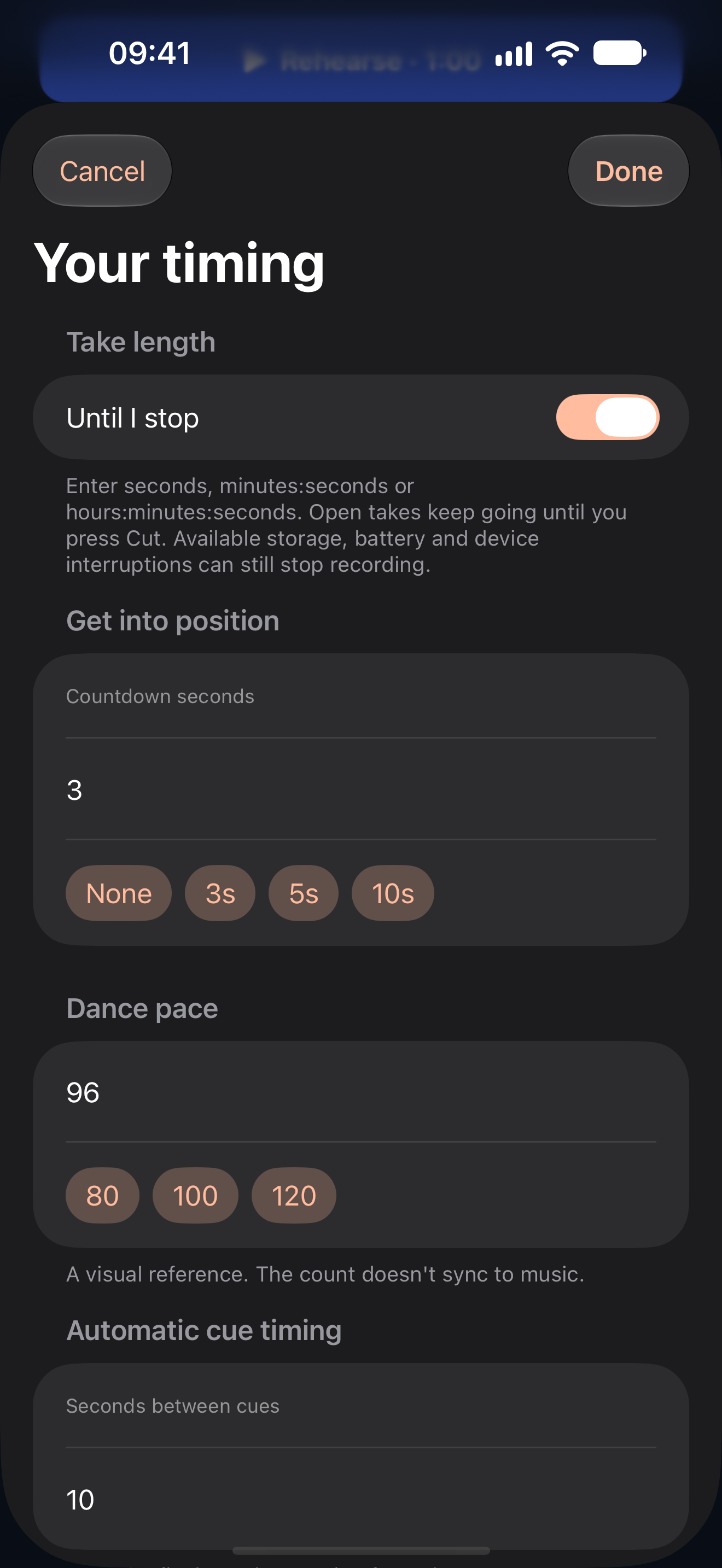
A visual eight-count gives your practice a steady reference. Choose a BPM preset or enter any positive tempo, set your countdown and get into position.
Counts are visual. They do not play audio or sync to music.
Set the pace. Rehearse. Run it again.
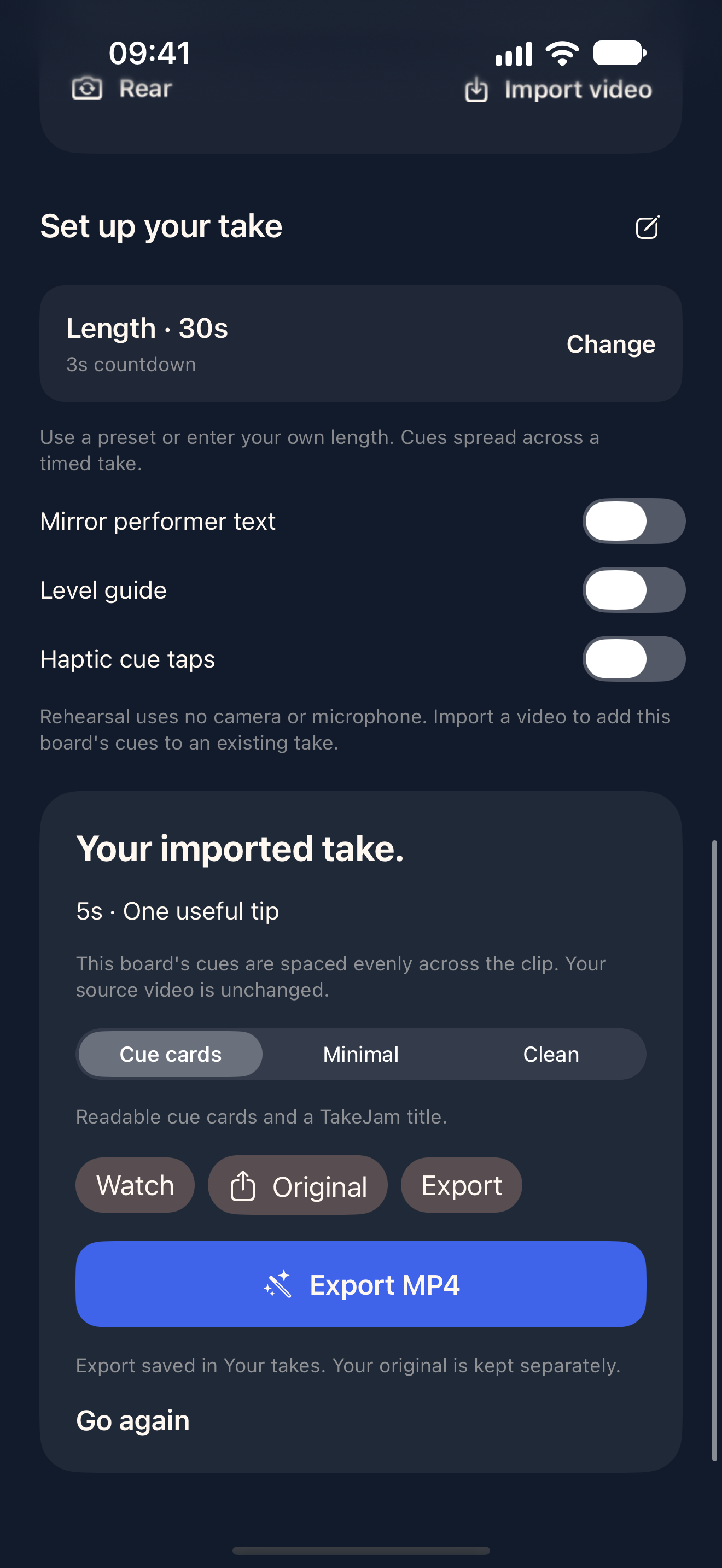
Choose the front or rear camera, then use a preset or custom countdown to get ready. Set it to 0 to start right away.
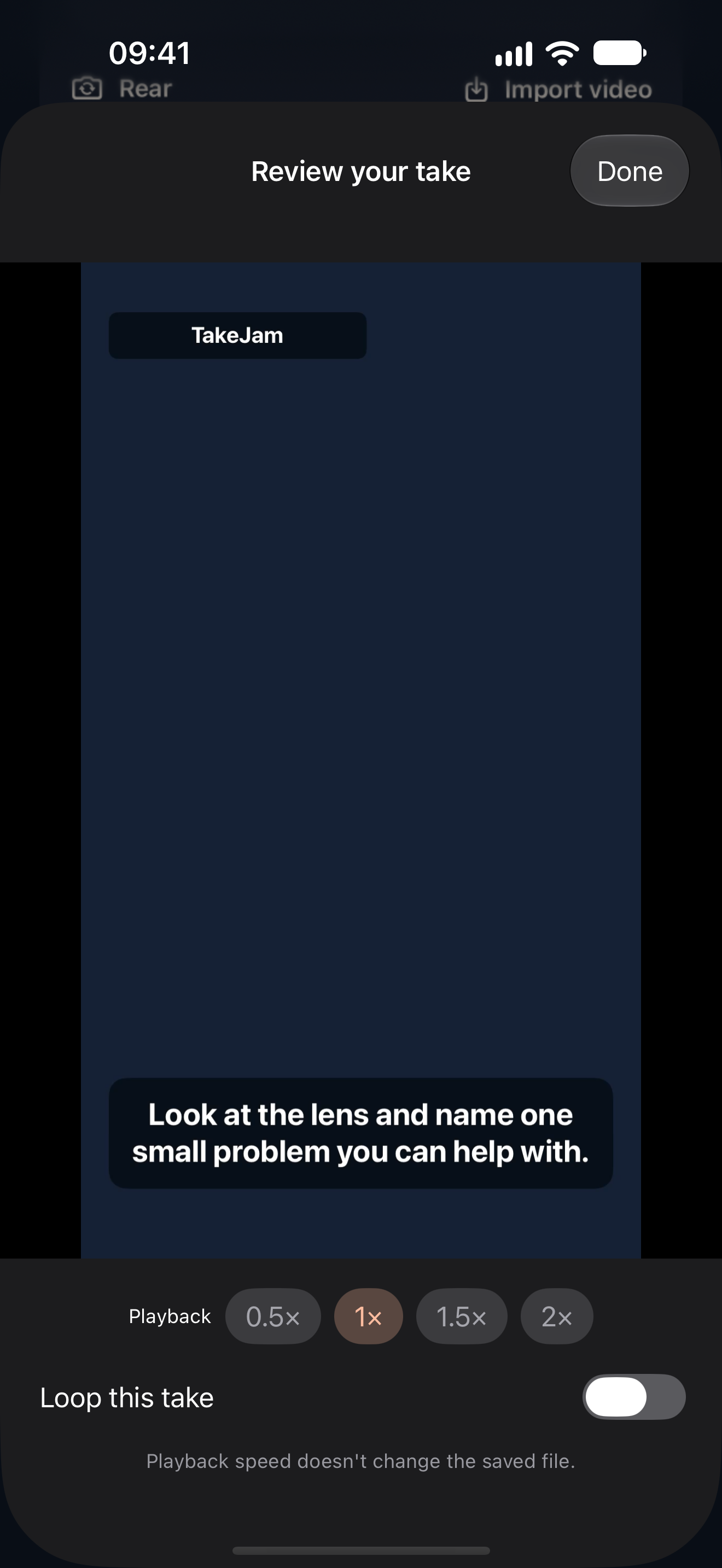
Replay slowly or loop a clip to look at the part you’re working on. Bring in a video from Photos or Files, too.
Export the full clip as an MP4 with cue captions, a minimal overlay or a clean picture. All three styles, including Clean, require active Studio access for new exports. Cue captions show your written directions at their cue times.
Photo hints stay on the prompt screen; they are not added to the MP4. Longer exports take more time and storage. Cue captions are not speech transcription.
Creator prompts, dance counts and your own text or photo cues. These are actual screens from the iPhone app.
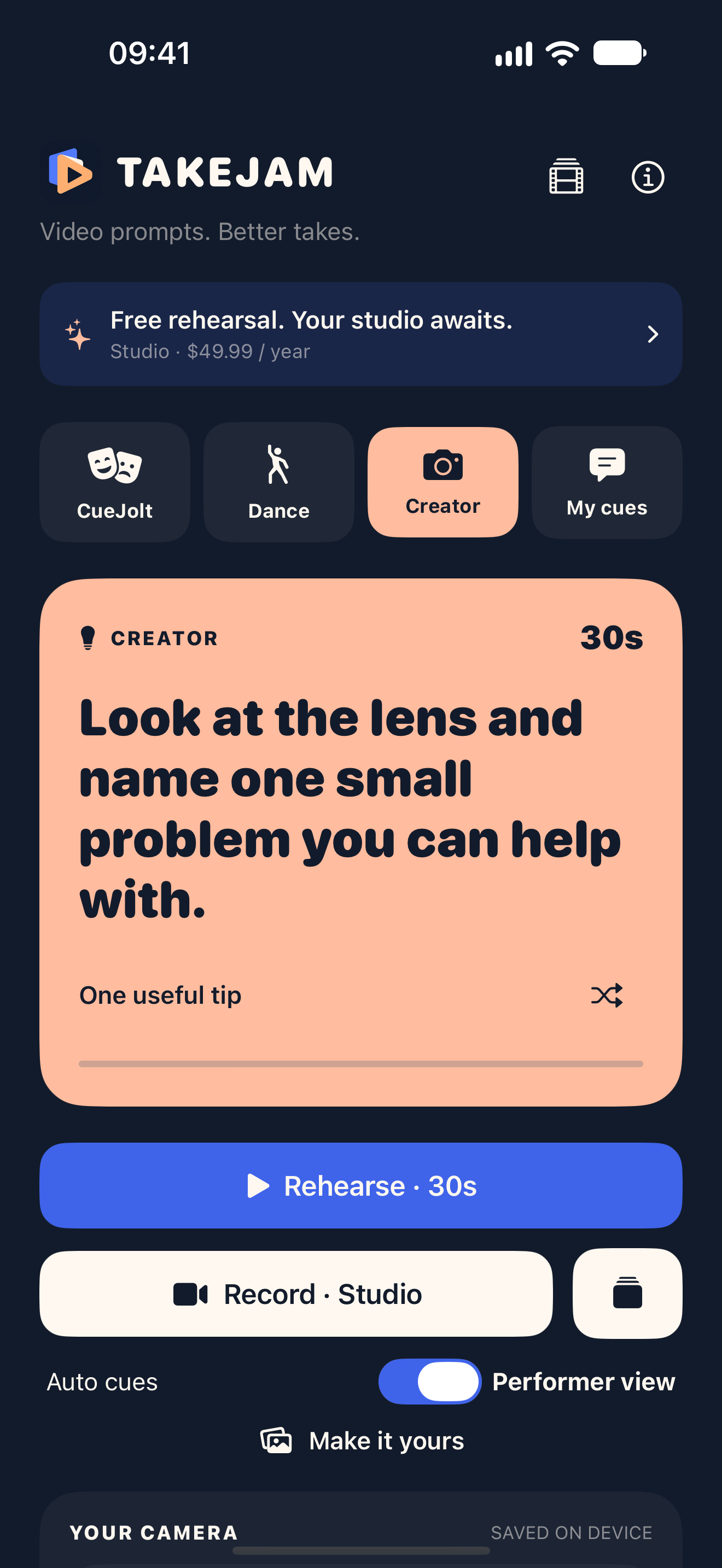
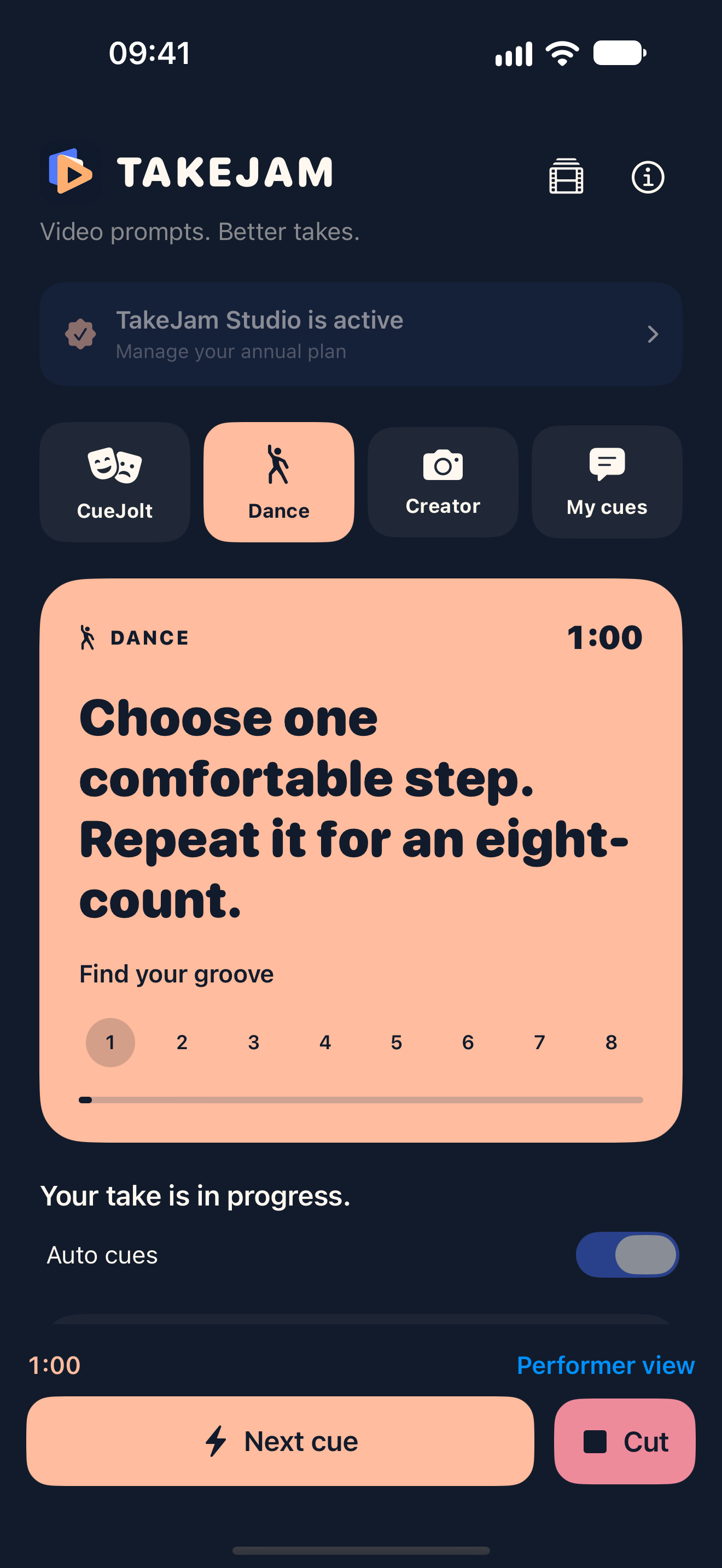
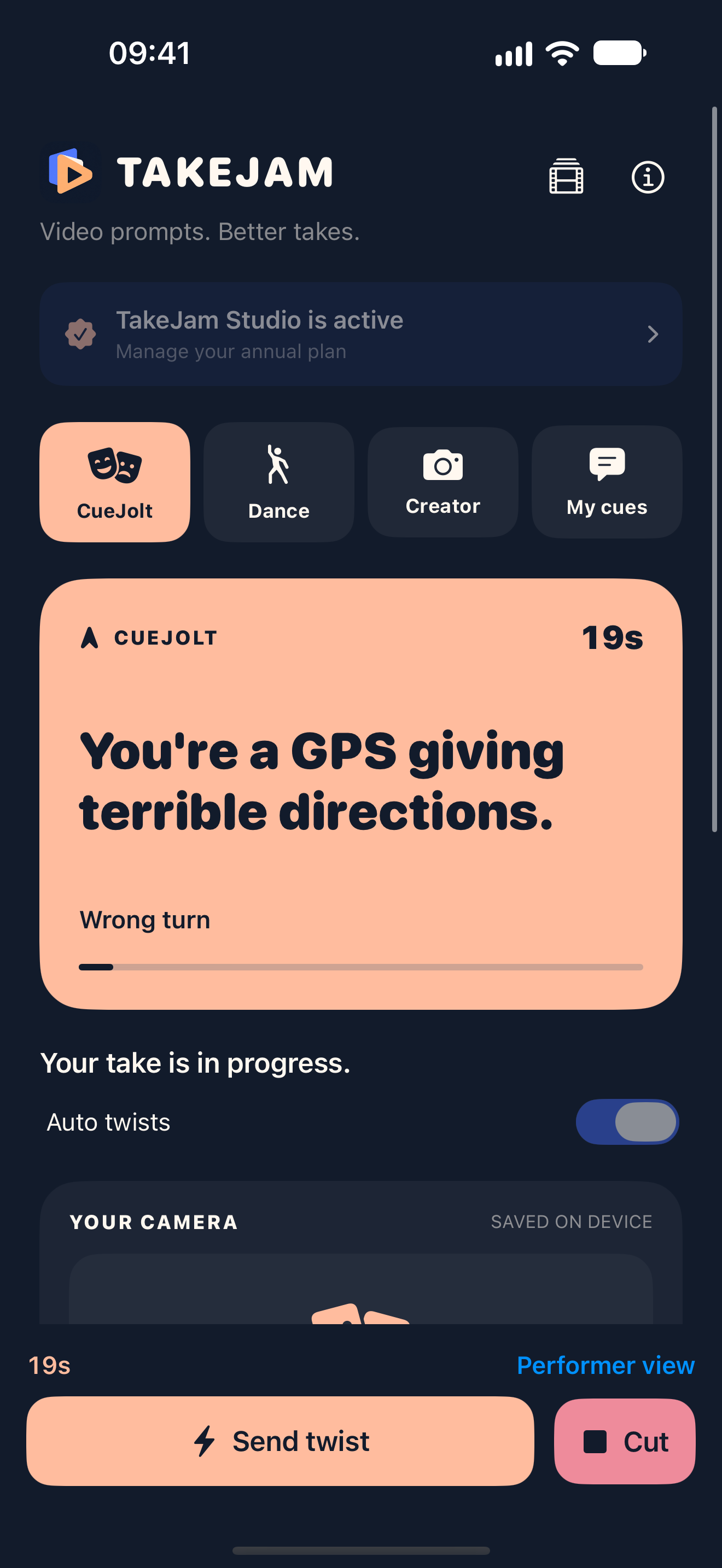
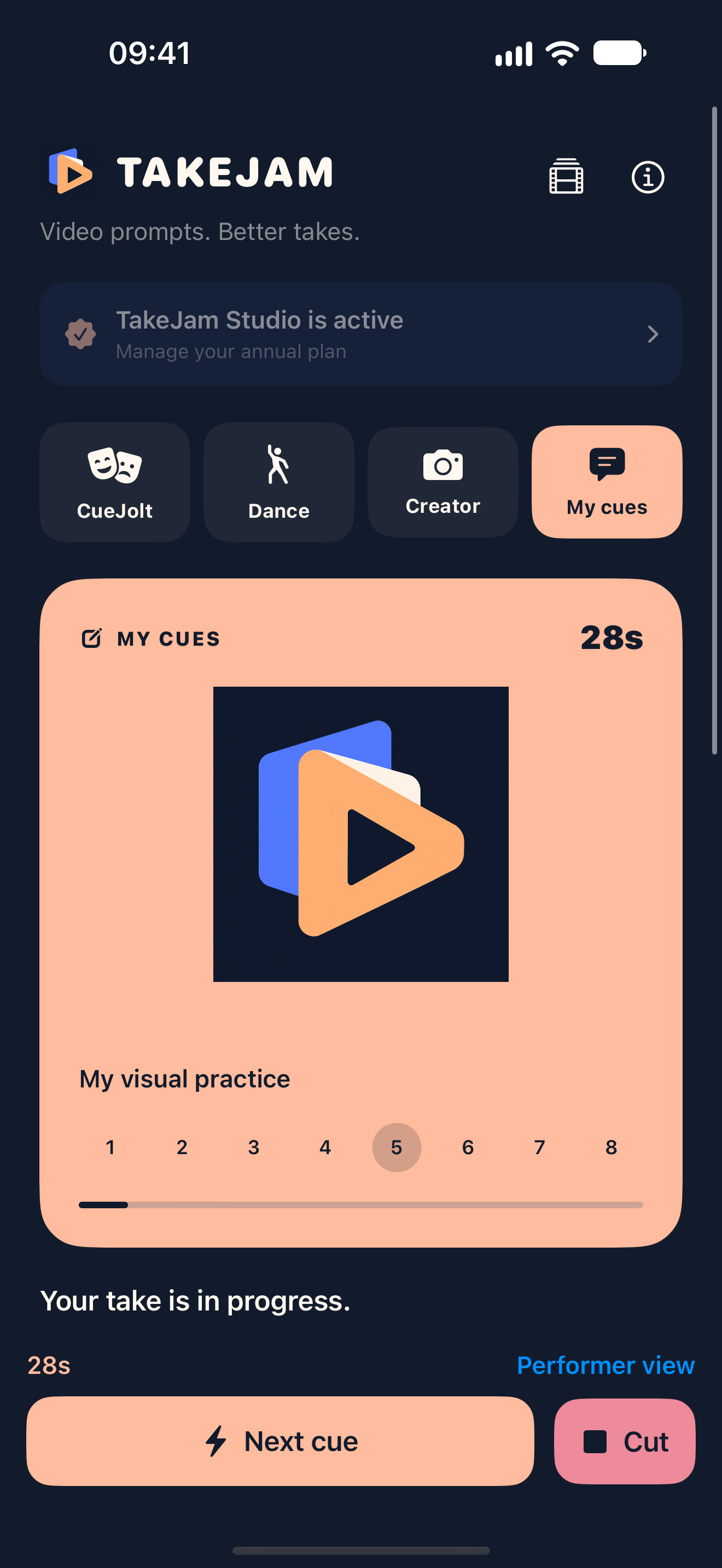
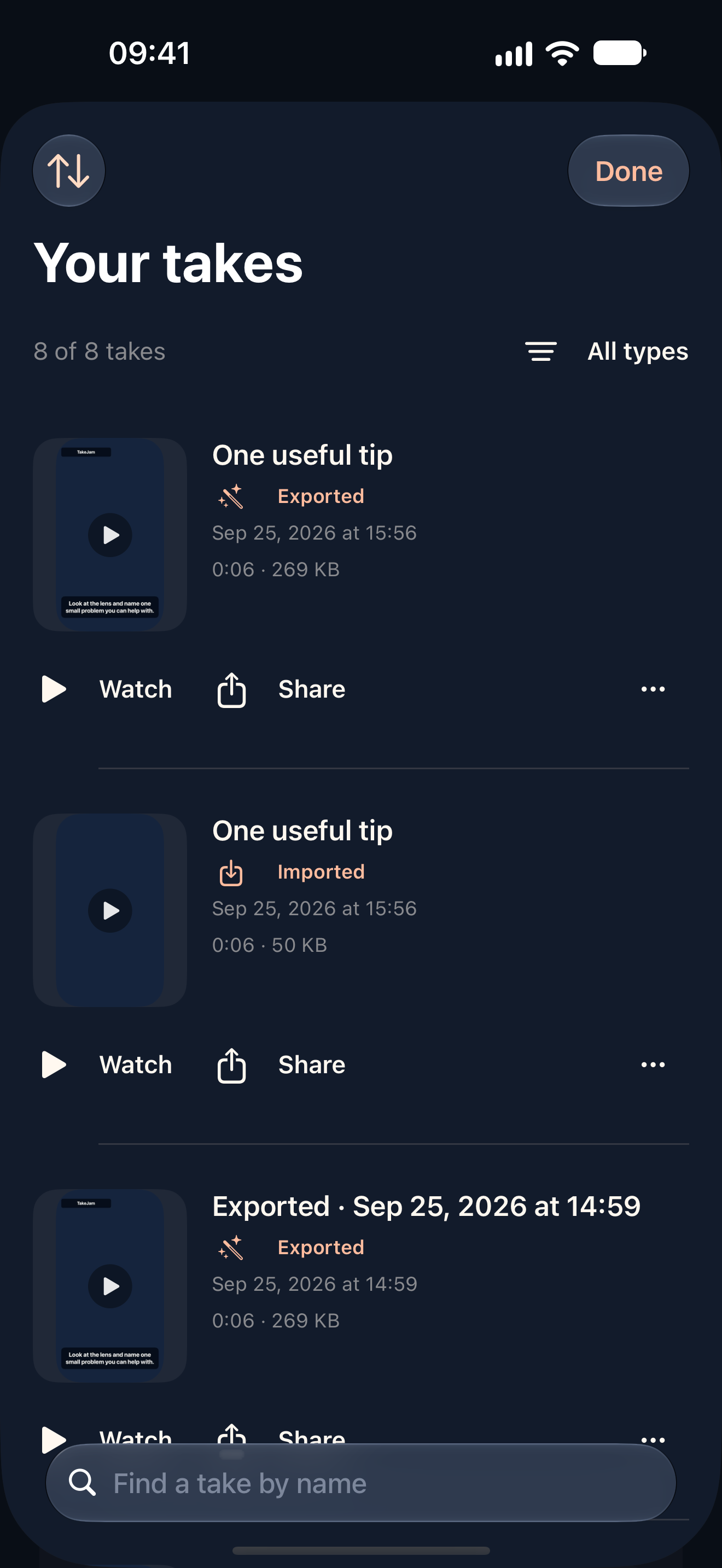
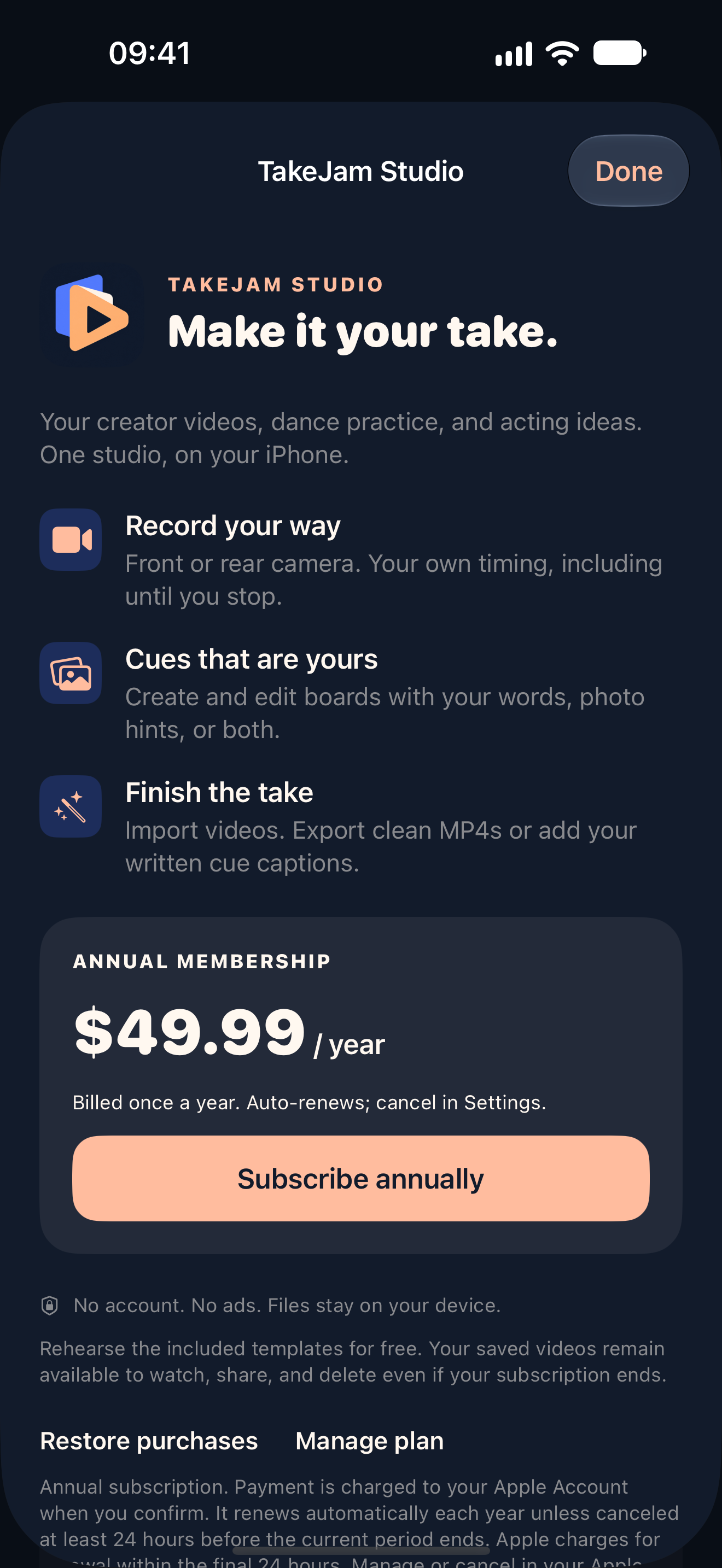
Recordings, imports, photo hints and cue boards are handled on your iPhone. Share a clip when you choose. Your device backup settings may include app files.
Read our privacy policyTakeJam has been submitted to Apple for review. The planned download is free; TakeJam Studio is an optional annual subscription.
Use all 12 CueJolt scenes, 6 Dance boards and 6 Creator templates in rehearsal without subscribing.
US annual price. One payment each year for access while your subscription is active.
Find takes by name, thumbnail and duration. Sort or filter your library. After Studio expires, view, rename, share or delete existing recordings, and view, rehearse or delete saved boards. Free bundled-template rehearsal remains available.
Studio renews each year until canceled. Apple bills your Apple Account when you confirm, and may charge a renewal during the 24 hours before the next period. Cancel at least 24 hours before renewal to avoid the next charge. Manage it in Settings → your name → Subscriptions. No free trial is offered in this launch plan. Final price and any applicable taxes are shown by Apple.
Terms of Use — Apple Standard EULA · Privacy policy · Apple subscription help
Start with free rehearsal. Add TakeJam Studio for $49.99/year in the US.